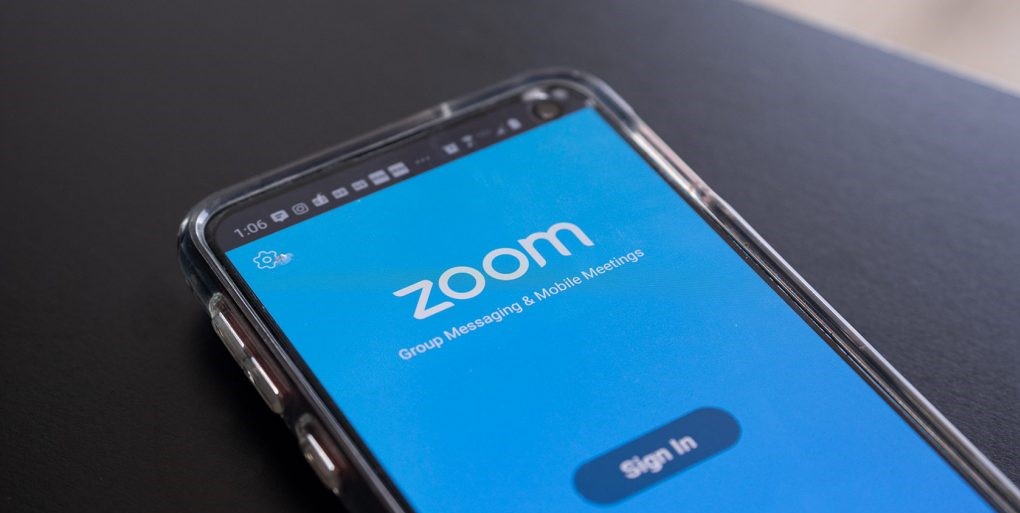
Zoom is one of the most popular video conferencing solutions out there. It was first released in January 2013 and it evolved in many ways. As the number of people who work from home increases during the global pandemic, the number of Zoom’s daily meeting participants also reaches a significant increase, from approximately 10 million last year to more than 200 million this March 2020.
Designed with a user-friendly interface, anyone can operate Zoom without any trouble. Hence it nearly doesn’t take long for new users to learn how to operate the app because the interface is as simple as that. This platform is also compatible with Windows, Mac, and Android, meaning that you can easily use it on your desktops and mobile devices. The installation process is reasonably fast, and for the mobile application, the download size is not too big, which means that it doesn’t take up much space on your device.
You have to download a package of the app if nothing pops up on your browser once you made an account. However, the app is more effective to use as you no longer need to go to their website in order to host or join a meeting.
For the host, the user interface is pretty simple; there are functional buttons to mute, stop the video, invite, manage participants, share screen, chat, record, and react in a meeting. To invite people, you can just click on the invite button and choose the contact or email service you want to use. For a more effective way, you can simply copy the URL and the password, then paste it. Once someone clicks the link, the person will be redirected to the page. Being a host also enables you to manage the participants—you can mute or unmute all participants anytime, and control the chat room.
The record button gives you the ease of documenting your event or meeting. Once you’ve stopped the video, the recorded video will turn into an mp4 file which you can instantly share. The reaction button lets you give an appreciation to the speaker. It comes with a thumbs up and claps that will appear during the speaker’s presentation. If you want to end the video, you can leave the meeting for all, or you can let the meeting continue without you.
In terms of quality, Zoom gives you the clarity in both picture and sound during a video meeting. It offers a high resolution as in 720p for video calls for all purposes. If you want a better resolution, the larger video quality (1080p) is also available in the paid plan.
By – Anjani Sharma
 Street Paradise
Leave a comment